Personalized birthday rap

Birthday Rap Video Maker

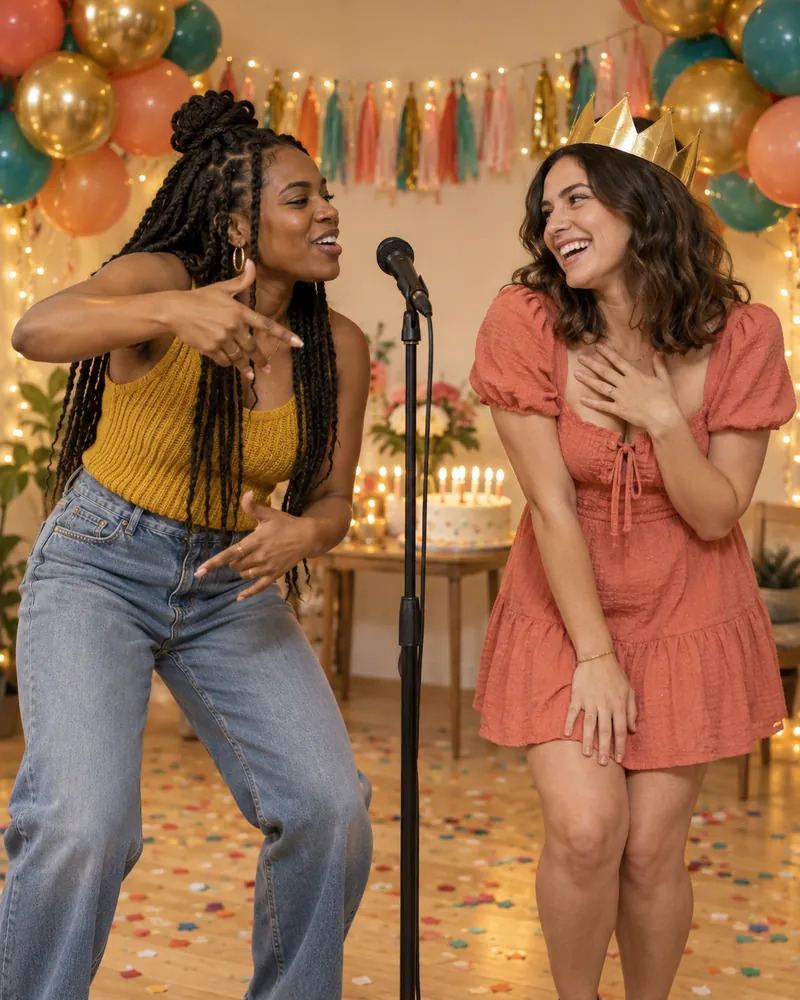
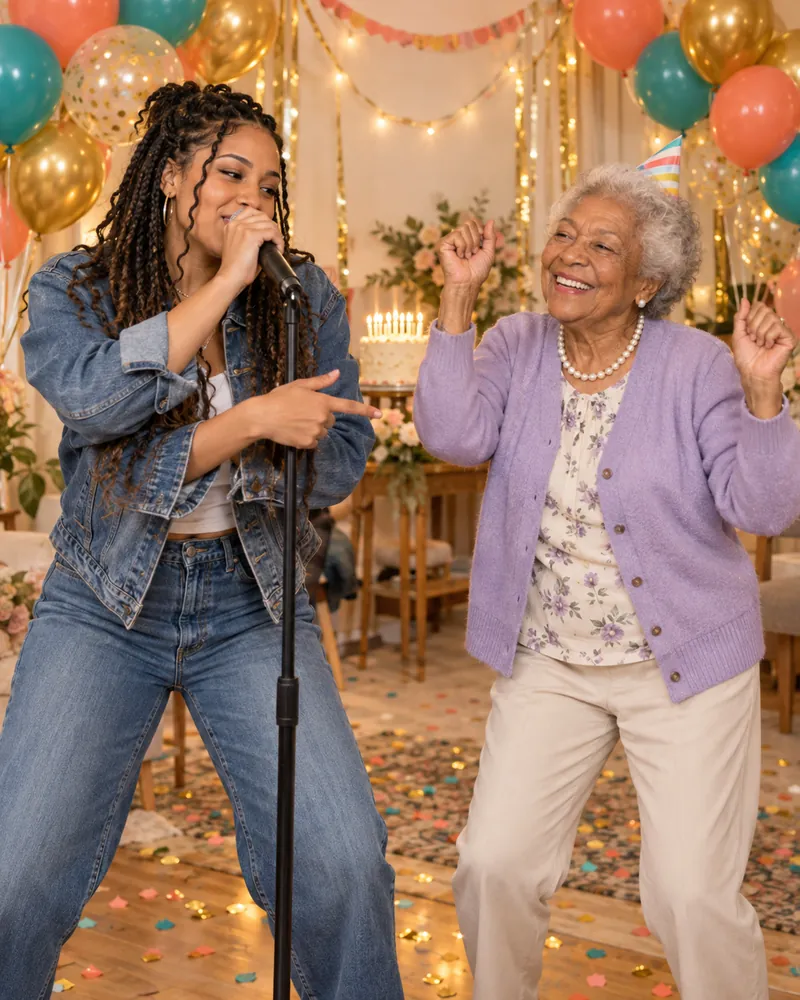
Put the birthday person in a rap booth with you. Upload two photos and get a short birthday rap video with balloons, cake and confetti, an original party beat and their name in the hook.

One consenting adult or pet per photo. Clear face, good light. Use photos you have permission to use.

Scene

Balloons, cake and confetti.

Theme
Names in the lyrics (optional)

English letters only — the rap is in English.

Lyrics

We pick a hand-written verse for your theme and add your names. Want it personal? Try Write with AI.

AI model Seedance 2.0 Mini 30 credits Change
Quality
Length
Shape

This video: 30 credits · failed videos are refunded automatically

Content standards · Report content

A birthday message they'll actually replay

A birthday text gets a heart. A birthday rap starring the birthday person gets replayed, forwarded to the family chat and posted. Rap Duo AI turns two photos — yours and theirs — into a short video where you trade lines and finish on a hook with their name in it: "Happy birthday, Mia!"

The Birthday theme and Birthday Party scene are already selected on this page: a bright room with balloons, streamers, fairy lights and a cake with lit candles, over an upbeat party hip-hop beat. The person on the right is the birthday star, so put their photo there.

Want inside jokes in it? Choose Write with AI and describe them — "Tom turns 30, loves golf, always late" — and AI writes three personalized birthday raps to choose from. Every video gets an original song, not a copied track, so it's safe to post.
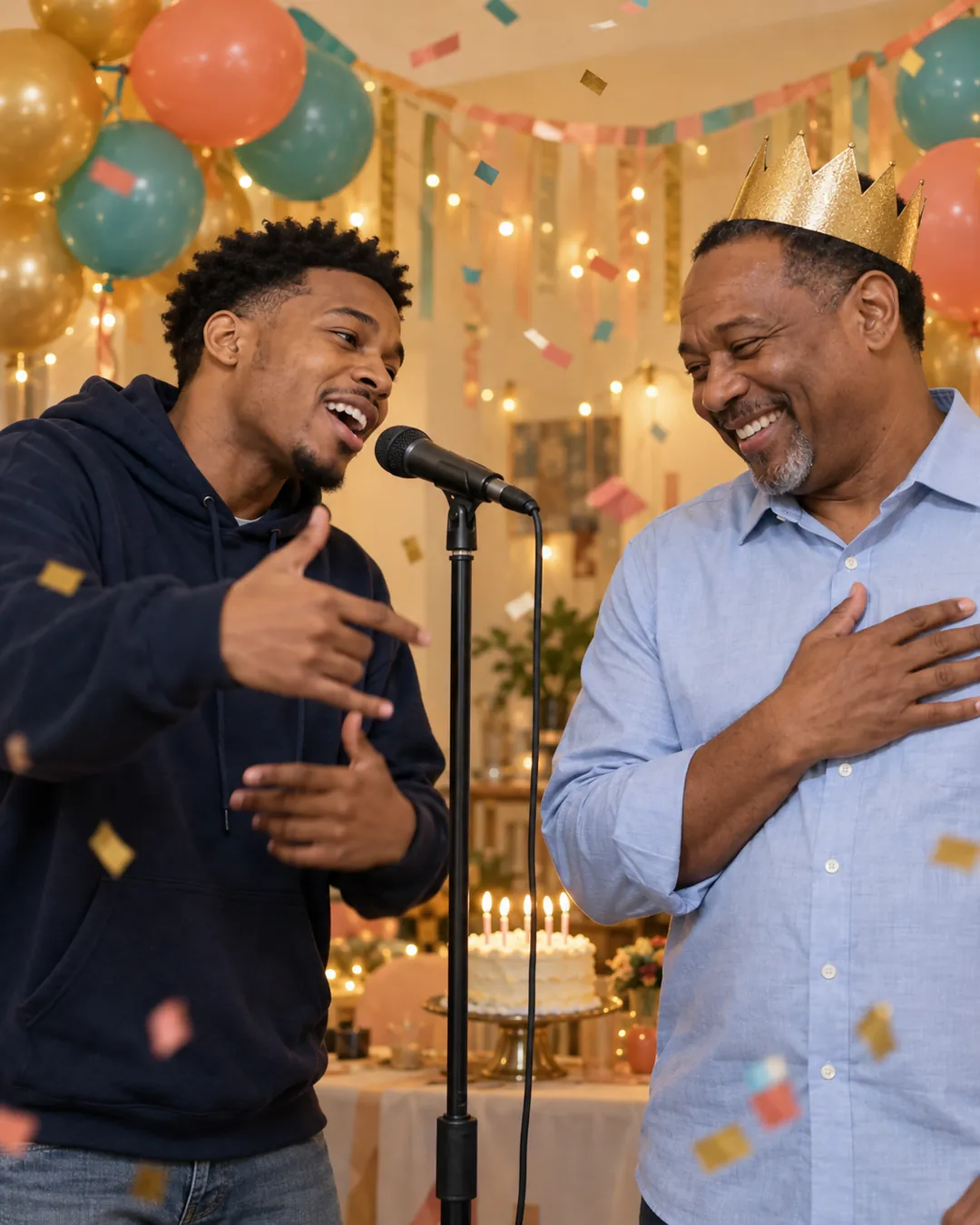
Adult son performing a birthday rap for his father wearing a gold party crown

How to make a birthday rap video

  1. 1

    Add two photos

    Your photo on the left, the birthday person on the right. No photo together needed — any two clear photos work.

  2. 2

    Add both names

    The birthday person's name goes into the hook. Birthday theme and party scene are pre-selected.

  3. 3

    Generate and send

    Optionally write custom lyrics with AI, press Generate, and download the MP4 in about 2–4 minutes.

Make yours now

Birthday rap video ideas

Best friend's birthday

The classic. Switch to Roast if your friendship runs on teasing.

Mom or dad's birthday

A parent who never expected to be in a rap video is exactly why this lands.

Partner's birthday

Birthday scene with lyrics written by AI from your story together.

Milestone birthday

30th, 40th, 50th — put the age in the AI lyric description.

Coworker's birthday

Post it in the team channel instead of signing another card.

Dog's birthday

Pets can rap too. Two dogs, or you and the birthday dog.

30 more rap duo ideas →

Birthday rap video FAQ

How do I make a birthday rap video with someone's name?

Upload your photo and the birthday person's photo, type both names and press Generate. The Birthday theme puts their name in the hook, and the video is ready in about 2–4 minutes.

Can I write my own birthday lyrics?

Yes. Use Write with AI to describe the person and get three personalized versions, or write your own lines. Lyrics are in English.

Do we need a photo together?

No. Two separate photos give the best result. If you only have a photo of the two of you, choose One photo of both — the person on the left raps first.

Can I make a birthday rap for my parents or grandparents?

Yes, as long as they're adults and agree to it. Grandparents and parents are some of the most-shared birthday raps.

Is the music copyrighted?

No. Every video gets an original AI-generated beat and vocals, not a copied song, so you can post it on TikTok, Instagram or YouTube.

Which AI model makes the video?

Rap Duo AI uses ByteDance Seedance video models (Seedance 2.0 Mini, Seedance 2.0 and Seedance 2.5 — you pick one per video). It's an independent service, not affiliated with or endorsed by ByteDance.

How much does a birthday rap video cost?

Videos are paid with credits from one-time packs starting at $4.99 — no subscription. AI lyric writing is free and failed videos are refunded automatically.

How long is the video?

You choose 5, 10 or 15 seconds, in 9:16, 16:9 or 1:1, at 480p or 720p.