AI congratulations video

Congratulations Rap Video

Graduation, new job, passed the driving test? Upload two photos and get a short celebratory rap video — you and them in a studio booth, a triumphant beat with bright horns, and their name in the lyrics.

One consenting adult or pet per photo. Clear face, good light. Use photos you have permission to use.

Scene

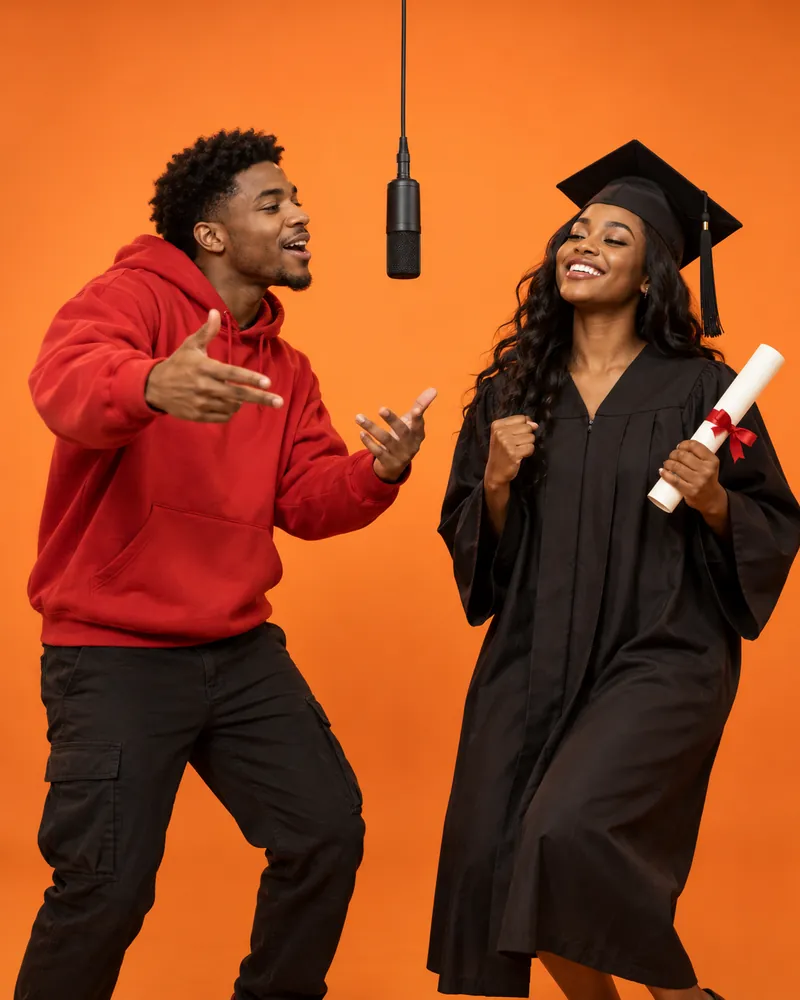
The hotel lobby classic: orange walls, one hanging mic.

Theme
Names in the lyrics (optional)

English letters only — the rap is in English.

Lyrics

We pick a hand-written verse for your theme and add your names. Want it personal? Try Write with AI.

AI model Seedance 2.0 Mini 30 credits Change
Quality
Length
Shape

This video: 30 credits · failed videos are refunded automatically

Content standards · Report content

Say congrats in a way they'll share

"Congrats!" in a group chat gets lost in a wall of emojis. A congratulations rap where you and the person you're celebrating trade lines in a studio booth doesn't. Rap Duo AI makes one from two photos in a few minutes, with a new performance and original music every time.

The Congrats theme is pre-selected on this page: hand-written verses like "Knew you had it, never had a doubt" over a celebratory hip-hop beat with bright horns, with their name dropped in.

To mention the actual achievement, choose Write with AI and describe it — "Leo just graduated nursing school after four years of night shifts" — and pick from three personalized versions.
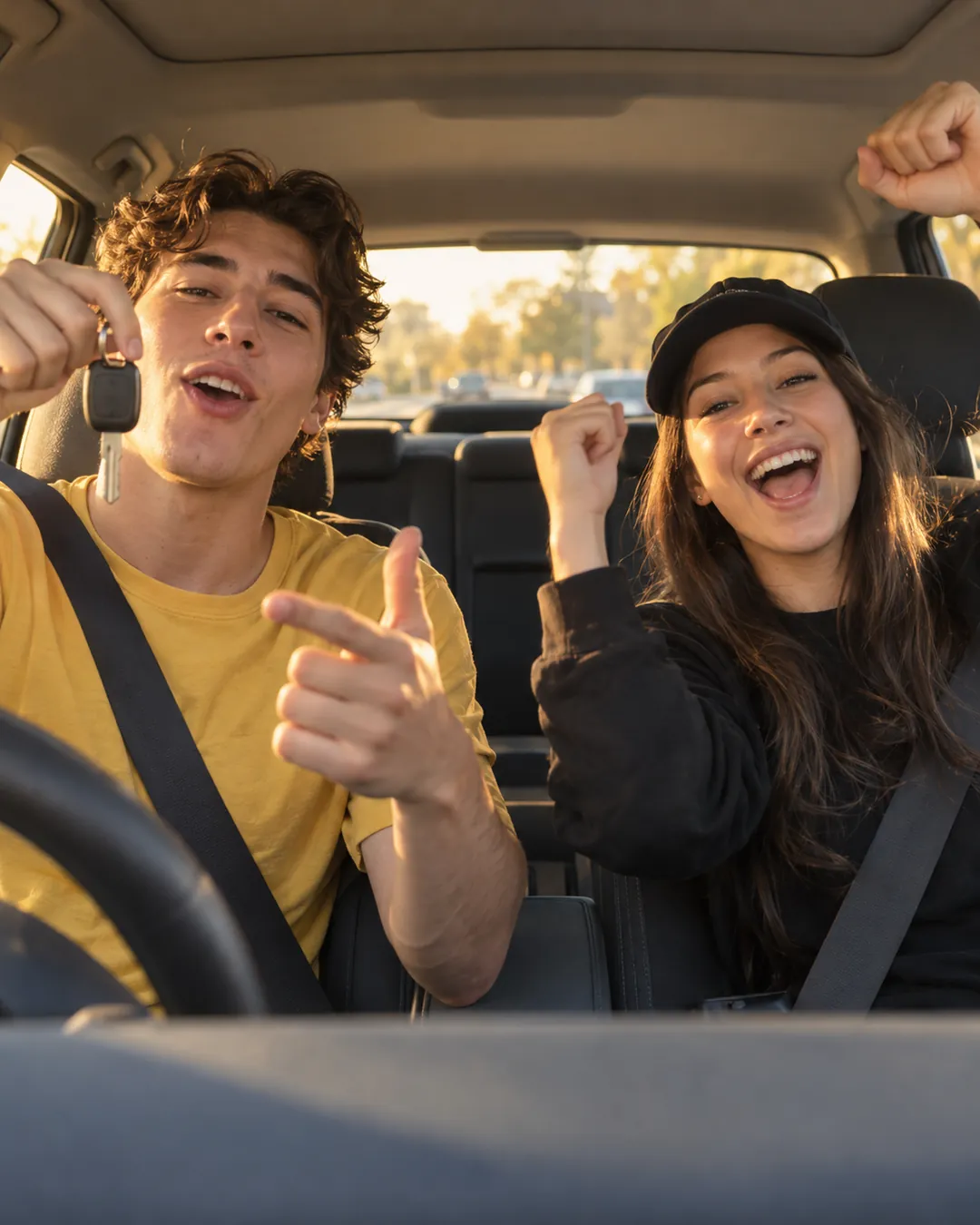
New driver holding car keys and celebrating with a friend in a parked car

How to make a congratulations rap video

  1. 1

    Upload two photos

    Your photo and theirs — a graduation photo or work headshot works well.

  2. 2

    Add names

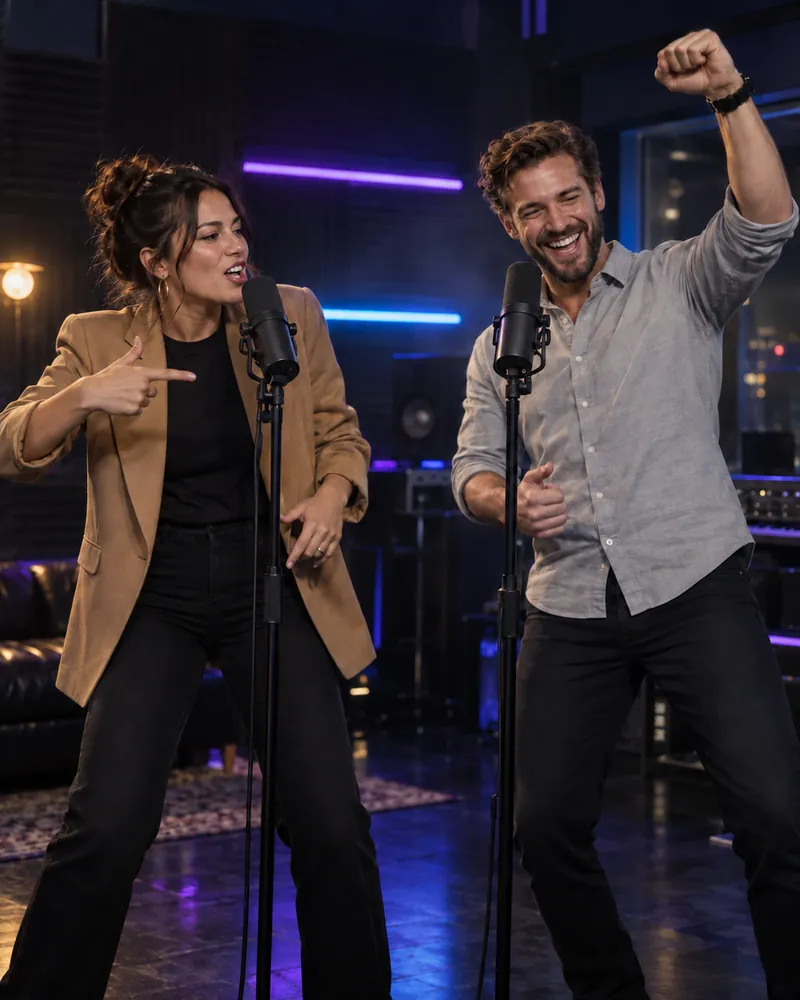
    Congrats theme is pre-selected. Choose a scene: Orange Booth for the trend look, Neon Studio for a night-out feel.

  3. 3

    Mention the win

    Use Write with AI to name the achievement, press Generate, and send it in about 2–4 minutes.

Make yours now

Congratulations video ideas

Graduation

Use their cap-and-gown photo and name the school or degree in the AI lyrics.

New job or promotion

Post it on their first day — or in the team channel for a promotion.

Passed the driving test

Pair it with the Front Seat scene for the obvious joke.

Engagement or wedding

Congrats from the best friend, rapped next to the happy couple's photo.

Finished a marathon

Hype them up with their finish-line photo.

Team win

Two teammates celebrating a deal, a launch or a tournament.

30 more rap duo ideas →

Congratulations rap video FAQ

How do I make a personalized congratulations video?

Upload your photo and the photo of the person you're congratulating, type both names, keep the Congrats theme and press Generate. It's ready in about 2–4 minutes.

Can the rap mention their graduation or new job?

Yes. Choose Write with AI and describe the achievement; AI writes three versions you can pick and edit. Writing lyrics is free.

Can I use it for a graduation video?

Yes — graduation is one of the most common uses. A cap-and-gown photo works as a reference just like any other photo.

Is the music original?

Yes. Every video gets an original beat and vocals, so you can post it anywhere without a copyright claim on the music.

Which AI model makes the video?

Rap Duo AI uses ByteDance Seedance video models (Seedance 2.0 Mini, Seedance 2.0 and Seedance 2.5 — you pick one per video). It's an independent service, not affiliated with or endorsed by ByteDance.

How much does it cost?

Credit packs start at $4.99, one-time — no subscription. Failed videos are refunded automatically.